WebUI Studio / Integrations
Supplier price and stock synchronisation
Automate updates from one or more suppliers into your existing online store. We agree how to match products, choose a price and handle incomplete or outdated stock data before changing the live catalogue.
For existing websites. We start by assessing your workflow.
Scope
How we keep supplier data usable
- Several suppliers list the same product
- Match by SKU, brand or an agreed mapping table. Use availability, supplier priority or a pricing rule to select what the store displays without creating duplicates.
- A broken feed should not empty your catalogue
- Validate the file structure, mandatory fields and record count before publishing changes. If the data fails validation, log the issue and apply the agreed policy for stale records.
- Protect content managed by your team
- Separate supplier-owned fields such as price and stock from descriptions, URLs and images maintained in your store. Newly detected items can wait for approval before publication.
WebUI case study
WebUI case: ZapchastAvto
For this automotive parts store, we developed vehicle-based product selection, catalogue filters and price synchronisation from different suppliers. It shows why vehicle compatibility and supplier records have to be accounted for in the catalogue model, rather than treated as an afterthought.
Read the ZapchastAvto case study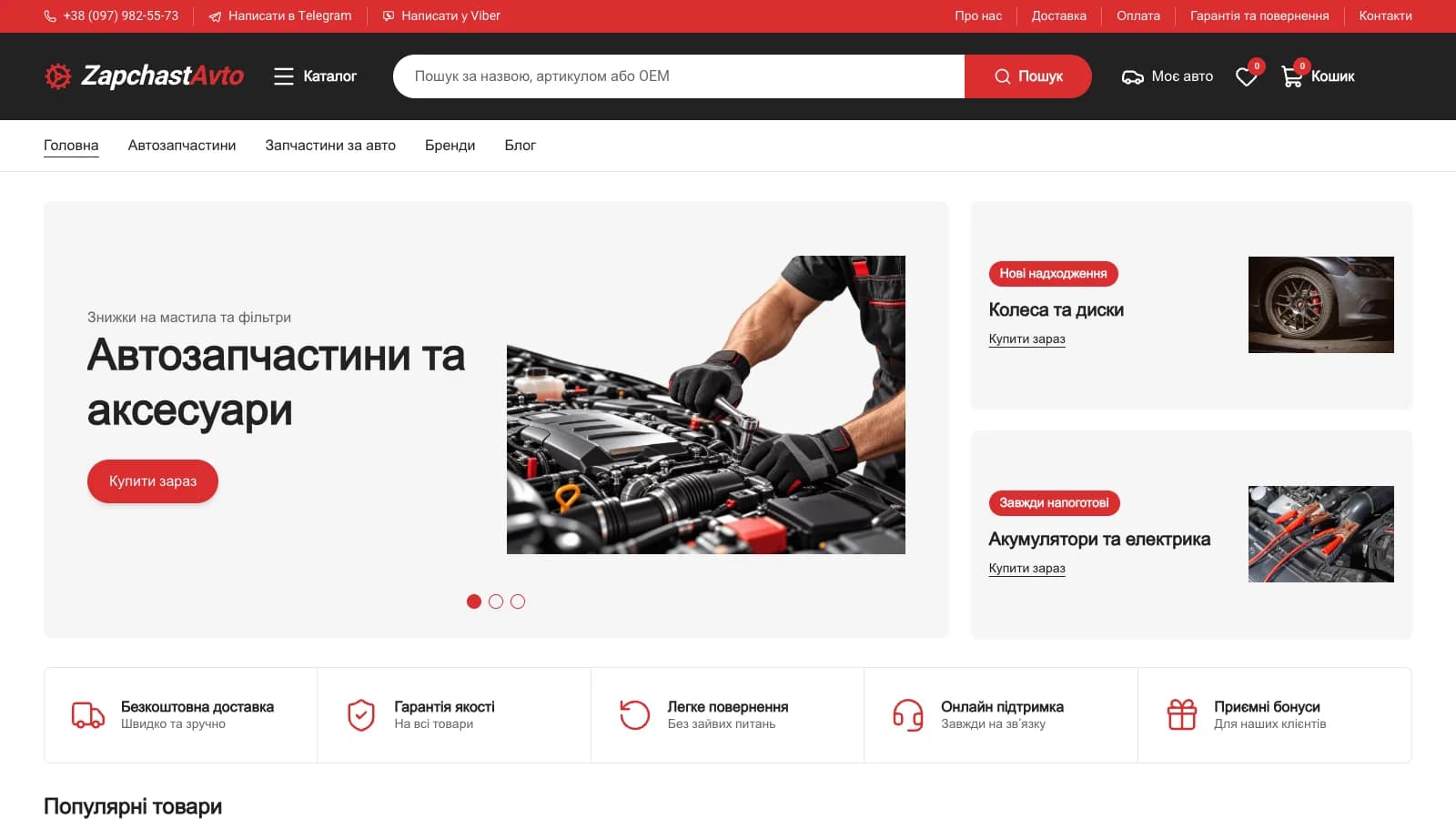
Delivery
From audit to go-live
Switch the live workflow only after testing. Agree on acceptance checks before development, not on launch day.
Review your platforms
Identify the available data, its owner and whether a supported module does enough.
Define the exchange
Agree what moves, in which direction, what to do with a repeated event and how to report failure.
Test before launch
Use agreed test data to verify the normal flow, a failure and a repeated event.
Hand over the workflow
Document how to verify the result, where errors appear and who takes the next step.
Estimate
What determines the cost
- Data sources
- A single standard file is different from several APIs with different currencies and field formats. Sample data is the starting point for estimating.
- Catalogue rules
- Match variants and identifiers, resolve manual price overrides and decide when new items may be published.
- Frequency and monitoring
- Agree the update schedule, how stale a price can be, who receives alerts and how to test a limited sample before full rollout.
What to prepare for an estimate
- Two or three anonymised price list samples, or API documentation without credentials.
- An example product across multiple feeds and the result you want in the store.
- Markup rules, supplier priorities and a policy for missing or stale availability.
Planning and implementation
Supplier catalogue integration: from price list to product page
Reading a file is only the first step. The integration also needs to identify the correct product, apply your pricing rules and decide whether stock data is current enough to sell. Different supplier feeds may need different rules.
Choose between API, XML, CSV and Excel
An API is useful when the supplier can reliably provide the necessary fields or changed records. XML and CSV files can work well for scheduled imports when their structure is stable. Excel is usable too, but check for shifting columns, units, currencies and blank cells before relying on it. Compare files from several dates, not just one tidy example.
- Check whether the source contains every product or only changed records.
- Distinguish between an item missing from the file and one explicitly marked out of stock.
- Agree how old a feed can be before its availability data needs review.
Match products before changing prices
Names can change and do not make good unique keys. In an automotive catalogue, the same code from different brands may refer to different parts, and an OEM reference may describe compatibility rather than identify one product. Agree the matching rules and the process for an uncertain match. Then define currency conversion, rounding, markup and the precedence of manual prices or offers.
- Decide whether an existing promotion or manual override takes priority over a supplier price.
- Protect URLs, descriptions and images that are maintained in the store.
- Include variants, unmatched products and multi-supplier examples in the first test.
Control failures without emptying the store
A dry run shows which records would change and which did not pass checks. Before scheduling the feed, agree what should happen when a file is empty, changes format or loses many items. The team should be able to see the last successful import and understand whether stale data is retained, flagged or treated as unavailable.
- Test on a representative group before enabling the full catalogue.
- Compare rounding, currencies and supplier priority against expected results.
- Decide who receives an alert and which exceptions require review.
| Incoming data | Treatment | What the team sees |
|---|---|---|
| Valid new price | Match the item and apply agreed rules | A recorded update and its source |
| Ambiguous SKU | Do not rewrite a product by guesswork | An item to review |
| Empty or changed file | Hold the update or apply the agreed fallback | An alert rather than a catalogue reset |
| Stale availability | Apply the policy for that supplier | The last time data was verified |
Frequently asked questions
Can you update only prices and stock?
Yes. We can limit the import to agreed fields and leave product URLs, images, descriptions and search metadata unchanged.
How do you prevent duplicate products?
Map external SKUs to a stable product or variant ID. Conflicting matches should be reviewed rather than automatically merged.
What if a supplier stops sending stock data?
We follow a defined fallback: for example, keep the last validated value for a set period, flag the source as stale and notify the person responsible.
Can this be rolled out on a live store?
Yes, if the platform allows a safe import or code change. We run a sample first and review the fields and records that may change.
Can we add another supplier without rebuilding the catalogue?
Usually, if the new feed can map to the existing model. We need example data and clear rules for how it changes an existing product offer.
What if suppliers use different SKUs?
Use agreed attributes or a mapping table. An ambiguous match should be checked by a person rather than merged without enough evidence.
Can we see the proposed changes before updating the store?
Yes. We can run a sample or generate a dry-run report and compare planned price, stock and product changes with your team.
Is a supplier import the same as a marketplace feed?
No. A supplier import updates the source catalogue. A marketplace feed exports selected values to an external channel under separate rules.
Next step
Show us what your team should not have to do manually
Send the site URL and the task. We’ll clarify whether you need a module or custom work, then agree when to prepare the estimate.